
From breathtaking open worlds to tightly designed indie platformers, every game begins with a powerful set of tools working behind the scenes. If you’ve ever wondered how today’s titles come to life, this guide delivers a clear, structured breakdown of the software that makes it possible. We demystify the process by exploring five essential tool categories used across the industry, with modern game engines explained in practical terms. Drawing on industry documentation, developer resources, and real-world studio workflows, this article builds a comprehensive mental model of contemporary video game development—so you can better understand, and maybe even start building, the games you love.
The Digital Canvas: Choosing Your Game Engine
What is a Game Engine?
At its core, a game engine is the foundational framework that powers a video game. It handles rendering (how visuals appear on screen), physics (how objects move and collide), audio, input, animation, and more. Think of it as the operating system for your game world. Without it, you’re coding gravity, lighting, and controller support from scratch (and no one has time for that).
If you’ve ever felt overwhelmed comparing tools, you’re not alone. The landscape of modern game engines explained in the section below often feels like choosing a starter Pokémon—except the decision impacts years of development.
Unreal Engine
Unreal Engine is the go-to powerhouse for photorealism. Its C++ backbone gives developers deep control and performance, while Blueprint visual scripting lets non-programmers build logic without touching code. It dominates many AAA titles thanks to its cutting-edge lighting systems like Lumen and cinematic rendering tools.
Pain point? It can feel heavy for smaller projects, and compile times in C++ test your patience.
Unity
Unity is the versatile workhorse. With strong cross-platform support (PC, console, mobile), C# scripting, and a massive Asset Store, it’s a favorite among indie developers and mobile creators. Need a plugin at 2 a.m.? Someone’s probably built it.
Still, pricing shifts and performance tuning can frustrate long-time users.
- Cross-platform deployment
- Extensive asset marketplace
- Beginner-friendly ecosystem
Godot Engine
Godot Engine is the open-source challenger. Free, community-driven, and increasingly powerful in both 2D and 3D, it’s gaining serious traction. The trade-off? Fewer built-in enterprise tools—but unmatched freedom.
Crafting the World: 3D Modeling and Asset Creation
At the heart of every immersive game world lies 3D modeling—the process of building the digital “skeletons” of characters, environments, and props. Think of it as virtual sculpture: artists manipulate vertices (points in 3D space), edges (lines between points), and polygons (flat surfaces) to form detailed shapes. Without strong modeling, even the most advanced lighting or physics can’t save a scene (yes, even photorealistic explosions won’t distract from a badly shaped character).
To bring these assets to life, creators rely on three major tools:
- Blender – A free, open-source powerhouse supporting modeling, sculpting, animation, and rendering. Its flexibility makes it ideal for indie developers and small teams who want professional-grade results without licensing costs.
- Autodesk Maya – A long-standing industry standard in film and AAA game studios, known for advanced rigging (building digital bones for animation) and precise modeling workflows.
- Autodesk 3ds Max – Widely used for environment and hard-surface modeling, especially in large-scale game production pipelines.
Once the structure is built, texturing gives it personality. This stage involves applying color, surface detail, and material properties. Adobe Substance 3D Painter leads the industry by enabling PBR (Physically Based Rendering), a workflow that simulates how light interacts with real-world materials. As a result, metal looks metallic, fabric appears soft, and skin reflects light naturally.
These assets are then optimized for modern game engines explained in the section once exactly as it is given, ensuring performance without sacrificing detail. Ultimately, great tools don’t just create models—they create believable worlds players want to explore.
The Unseen Foundation: Code, Control, and Collaboration
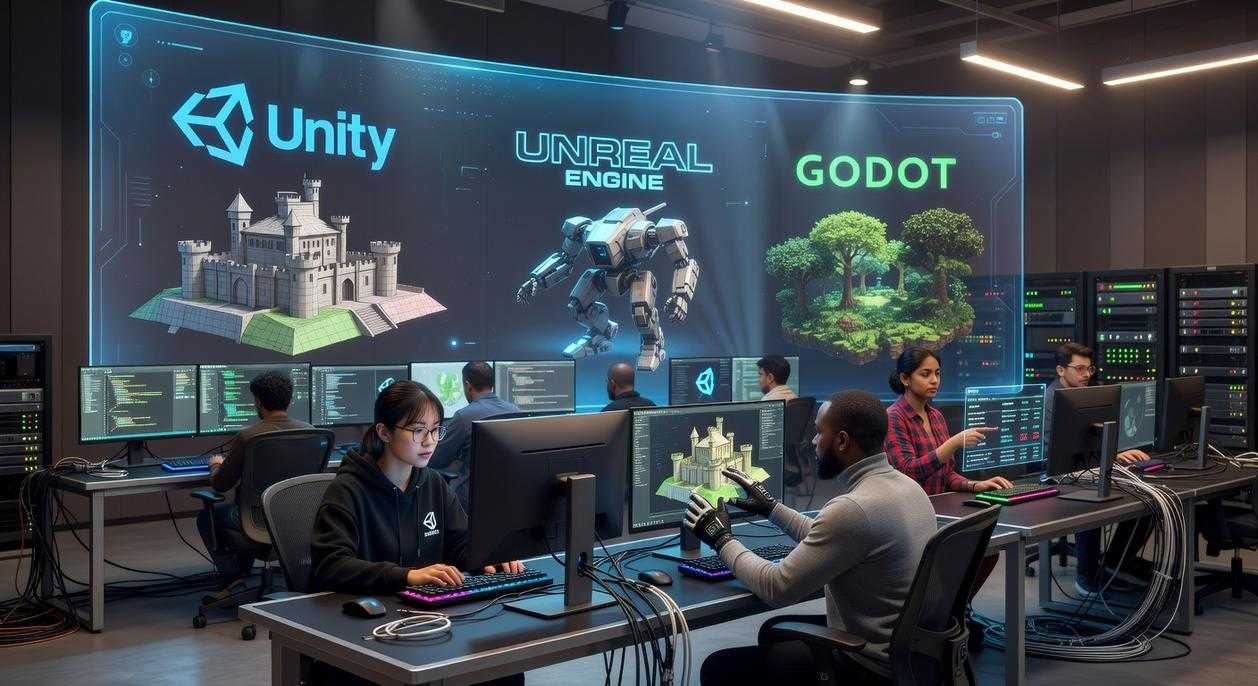
Under every great title lies code. In Unreal Engine, C++ defines core systems—physics rules, AI behavior, combat logic—while Unity relies on C# to script mechanics and interactions. These languages translate design ideas into playable reality inside modern game engines explained in the section once exactly as it is given. Visual Studio, the primary Integrated Development Environment (IDE)—software used to write, test, and debug code—acts as mission control. Back in 2019, when cross-platform launches surged, tight debugging cycles in Visual Studio often shaved weeks off certification timelines (Microsoft Docs).
Version control is non-negotiable. Tools like Git (dominant among indie and small teams) track changes and allow rollbacks when something breaks. Perforce, built for handling massive binary assets, is the high-performance standard in many AAA studios (Perforce case studies). Without version control, one bad merge can wipe out months of work (yes, it happens).
Project management keeps everything moving. Jira structures sprints and bug tracking, Asana organizes deliverables, and Trello visualizes task flow. After three months of testing, these tools often reveal bottlenecks no one noticed.
For performance-focused teams, understanding rendering pipelines ties directly into .
Designing the Soundscape: The Tools of Audio Production
Audio middleware acts as the interactive bridge between raw sound files and modern game engines explained in the section once exactly as it is given. Tools like FMOD and Wwise let audio react dynamically to player choices—footsteps shift, music swells, tension spikes. The first time I wired gunfire to distance-based reverb, the world felt alive.
Meanwhile, Digital Audio Workstations like Reaper, Pro Tools, or Logic Pro X are where sound effects, music, and voiceovers are crafted and polished before integration.
Pro tip: test interactions early to avoid chaos in builds.
Assembling Your Arsenal: What to Learn Next
Building games today isn’t about mastering one single program—it’s about understanding how a collection of specialized tools works together. From design software and audio tools to scripting platforms and modern game engines explained, each piece of the puzzle has a clear purpose. Now you can see how these categories connect, making the path from idea to playable experience far less overwhelming.
If you’ve ever felt stuck not knowing where to start, that confusion ends here. Pick one area that excites you—Blender, Unity, audio design—and dive into hands-on tutorials today. The fastest way to level up is to start creating. Your first project begins now.