If your battle station looks more like cable chaos than a pro setup, you’re not alone. Tangled wires don’t just ruin aesthetics—they collect dust, complicate upgrades, and make swapping peripherals frustrating. This guide is your step-by-step blueprint to mastering gaming desk cable management and transforming your space into a clean, high-performance setup. We break down the exact tools, layouts, and routing techniques used in top-tier gaming environments to create a sleek, wire-free look. With practical, field-tested strategies drawn from real-world setup optimization, you’ll learn how to boost focus, improve airflow, and elevate both your desk and your gameplay.
Before you start untangling that chaotic nest under your desk, gather the right tools. First, choose between Velcro cable ties and zip ties. Zip ties lock tight with a sharp snap, but once cinched, they’re permanent. Velcro, on the other hand, feels soft and forgiving, perfect for peripherals you swap often. Next, adhesive cable clips and mounts guide individual wires along the desk’s edge or underside. They click gently into place and keep your mouse and keyboard cables from brushing your wrists. Then come under-desk cable trays or raceways, the backbone of any gaming desk cable management setup. They hide power strips and bulky bundles out of sight. Finally, cable sleeves wrap multiple cords into one smooth, thick tube that looks intentional, not accidental. As a pro tip, label both ends before sealing everything up. Some argue bare cables improve airflow, but a clean setup feels better and boosts focus.
The 5-Step Takedown: A Strategic Approach to Cable Taming
By implementing effective cable management tips for your gaming desk, you not only enhance your setup’s aesthetics but also create an organized space that can boost your gaming performance—something many players discuss in detail in online reviews, like those found in our article ‘Do Online Reviews Matter Bfncreviews.’
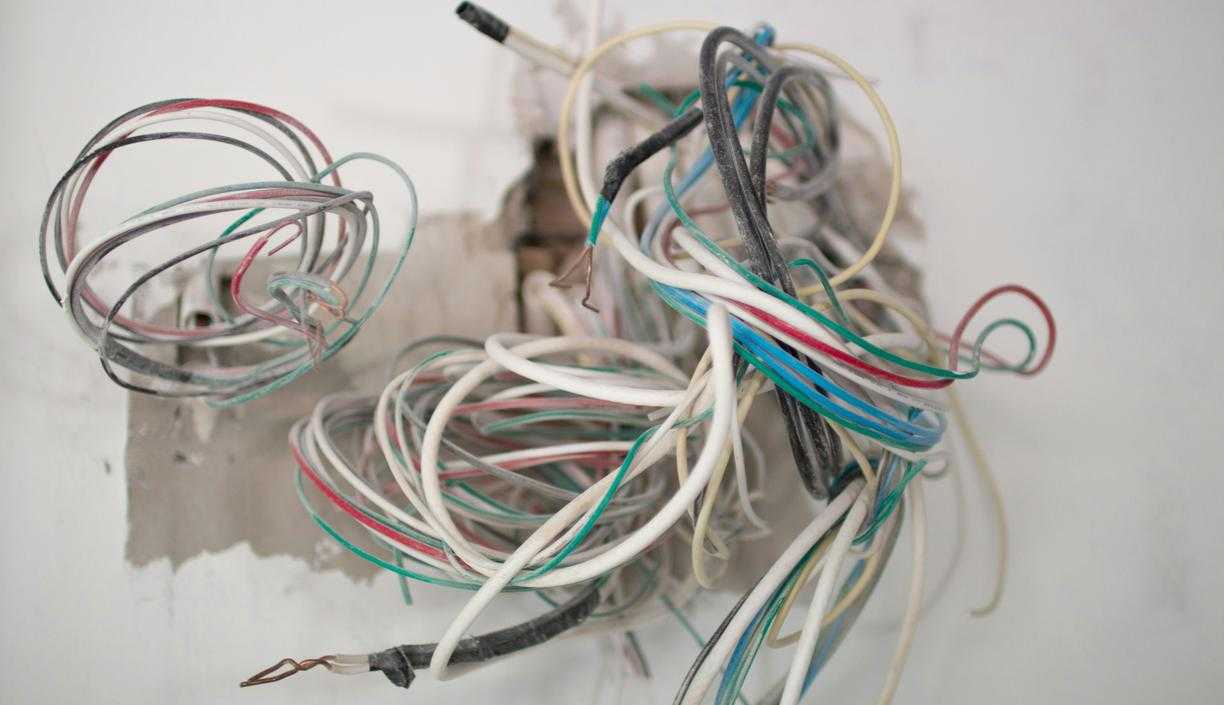
I once spent 45 minutes untangling a single HDMI cable before a ranked match. By the time I sat down, I’d already lost my mental edge. That was the day I committed to a full reset—not a quick tidy, but a complete overhaul.
Step 1: The Great Reset (Unplug Everything)
Unplug. Everything.
Yes, even the “one cable” you think can stay. Starting with a clean slate is non-negotiable. When every peripheral, monitor, and power cord is disconnected, you see the chaos clearly (and it’s usually worse than you thought). This baseline makes smart routing possible.
Step 2: Mount Your Power Strip
Your power strip is the central hub—the main distribution point for electricity. Mount it to the underside of your desk using heavy-duty adhesive strips or screws. This instantly removes the biggest eyesore: that cable pile on the floor.
Some argue leaving it loose makes replacements easier. In theory, sure. In practice? It becomes a dust magnet and a foot trap. Mounting wins.
Step 3: Group and Route Cables by Function
Now group cables logically:
- Power cables
- Display cables (HDMI/DisplayPort)
- USB peripheral cables
Routing means planning the path cables take to reach your PC or power strip. Think of it like lane assignments in a racing game—crossovers cause crashes.
Step 4: Secure the Main Bundles
Install an under-desk tray or raceway (an enclosed channel that hides cables). Use Velcro ties—not zip ties—to bundle groups. Velcro allows adjustments without cutting everything apart (pro tip: future-you will be grateful).
Step 5: Manage Individual Device Cables
The “last mile” is where setups shine. Use adhesive clips to guide your mouse, keyboard, and headset cables cleanly to the desk edge. This creates intentional lines instead of dangling clutter.
Done right, gaming desk cable management transforms your setup from chaotic to competition-ready—because focus should be on the game, not the mess beneath it.
If you’re upgrading comfort too, consider reading about choosing the right gaming chair for long sessions.
Advanced Techniques for a Flawless Setup
If you’re chasing that ultra-clean, “is-this-even-plugged-in?” look, basic cable trays won’t cut it. These advanced tweaks elevate your gaming desk cable management from tidy to showroom-ready.
Using Desk Grommets for a Through-Desk Path
A desk grommet is a circular insert installed into a drilled hole, allowing cables to pass directly through the desk surface. Some argue drilling into a desk is risky (and yes, measure twice, drill once). But the payoff is huge: keyboard and mouse cables disappear instantly, leaving only what’s essential on display. Pro tip: use a hole saw with a clamp guide for cleaner cuts.
The “Floating Monitor” Effect
Pair a monitor arm with a fabric cable sleeve to route power and DisplayPort cables along the arm itself. Critics say sleeves add bulk, but when color-matched, they blend seamlessly—like movie CGI you never notice unless it’s bad.
-
Strategic Placement of USB Hubs
Mount a powered USB hub underneath the desk. Some prefer direct tower connections for simplicity, yet reducing long cable runs keeps sightlines clean and airflow unobstructed. -
Color-Coding and Labeling
Use colored Velcro ties or small tags for USB, power, and display cables. It may seem excessive—until upgrade day turns into detective mode.
Maintaining Your Masterpiece: Quick Tips for a Tidy Desk
A clean setup isn’t a one-time achievement—it’s a system. Think of it like patch updates for your space: small, consistent tweaks prevent major chaos later.
The “One In, One Out” Rule
Whenever you add a new headset, mic, or RGB strip, route and secure the cable immediately. Don’t “temporarily” drape it across your desk (we both know temporary becomes permanent). This habit keeps your gaming desk cable management from slowly unraveling.
Leave a Little Slack
A service loop—a small, intentional curve of extra cable near a device—reduces strain and makes unplugging easy without yanking everything loose. It’s simple physics: tension causes wear.
- Do a quick weekly dust-off. Organized cables reduce dust buildup because there are fewer tangled pockets trapping debris.
- Leave one or two spare Velcro ties or open raceway slots for future upgrades.
Planning ahead may feel excessive now, but future-you—mid-upgrade and stress-free—will be grateful.
Your Battle Station, Perfected
You came here to finally solve the chaos under your desk, and now you have a clear, proven plan to make it happen. No more wasting time untangling cords or feeling distracted by a messy setup. With the right gaming desk cable management system in place, your space becomes cleaner, more efficient, and built for peak performance.
Cable clutter kills immersion and focus—but it doesn’t have to. Set aside 30 minutes this weekend and apply these steps. Take control of your setup, lock in a streamlined look, and enjoy the pro-level gaming environment you’ve been aiming for. Your battle station deserves nothing less.
 Ask Frances Nunesards how they got into hot topics in gaming and you'll probably get a longer answer than you expected. The short version: Frances started doing it, got genuinely hooked, and at some point realized they had accumulated enough hard-won knowledge that it would be a waste not to share it. So they started writing.
What makes Frances worth reading is that they skips the obvious stuff. Nobody needs another surface-level take on Hot Topics in Gaming, Gaming Setup Optimization Tips, Expert Breakdowns. What readers actually want is the nuance — the part that only becomes clear after you've made a few mistakes and figured out why. That's the territory Frances operates in. The writing is direct, occasionally blunt, and always built around what's actually true rather than what sounds good in an article. They has little patience for filler, which means they's pieces tend to be denser with real information than the average post on the same subject.
Frances doesn't write to impress anyone. They writes because they has things to say that they genuinely thinks people should hear. That motivation — basic as it sounds — produces something noticeably different from content written for clicks or word count. Readers pick up on it. The comments on Frances's work tend to reflect that.
Ask Frances Nunesards how they got into hot topics in gaming and you'll probably get a longer answer than you expected. The short version: Frances started doing it, got genuinely hooked, and at some point realized they had accumulated enough hard-won knowledge that it would be a waste not to share it. So they started writing.
What makes Frances worth reading is that they skips the obvious stuff. Nobody needs another surface-level take on Hot Topics in Gaming, Gaming Setup Optimization Tips, Expert Breakdowns. What readers actually want is the nuance — the part that only becomes clear after you've made a few mistakes and figured out why. That's the territory Frances operates in. The writing is direct, occasionally blunt, and always built around what's actually true rather than what sounds good in an article. They has little patience for filler, which means they's pieces tend to be denser with real information than the average post on the same subject.
Frances doesn't write to impress anyone. They writes because they has things to say that they genuinely thinks people should hear. That motivation — basic as it sounds — produces something noticeably different from content written for clicks or word count. Readers pick up on it. The comments on Frances's work tend to reflect that.