
If you’re searching for the real benefits of high refresh rate monitors for gaming, you’re likely trying to decide whether upgrading your display will genuinely improve your performance—or if it’s just hype. With esports titles demanding split-second reactions and modern GPUs pushing higher frame rates than ever, understanding how refresh rate impacts gameplay is critical.
This article breaks down what high refresh rates actually do, how they affect competitive and casual gaming, and what specs truly matter when choosing a monitor. We’ll also clarify common misconceptions about refresh rate vs. frame rate and explain which setups benefit most from the upgrade.
Our insights are based on current esports tech trends, hardware benchmarks, and real-world gaming performance data, ensuring you get practical, up-to-date guidance—not marketing fluff. By the end, you’ll know whether a higher refresh rate is worth it for your setup and how to optimize your gaming experience accordingly.
Ever lost a clutch fight because your screen smeared the action or stuttered at the worst moment? You upgrade your GPU and CPU, yet a 60Hz monitor still bottlenecks every frame your system pushes. Sound familiar? Refresh rate matters.
Think about it: if your PC outputs 240 frames but your display shows 60, what are you actually seeing? This guide breaks down how high refresh rate monitors for gaming deliver smoother motion, lower perceived latency, and clearer tracking in fast shooters.
You’ll learn:
- how refresh rate affects reaction time
- what Hz fits your setup
- why esports pros rarely settle
Refresh Rate vs. Response Time: Decoding the Specs That Matter
Let’s start with refresh rate. Measured in Hertz (Hz), it tells you how many times your screen updates per second. Think of it like a flipbook: the more pages you flip each second, the smoother the animation looks. A 60Hz monitor shows 60 “pages” per second, while 144Hz shows 144. Naturally, more updates mean smoother motion—especially noticeable in fast-paced games (goodbye, slideshow effect).
Now, response time—measured in milliseconds (ms)—is how quickly a pixel changes from one color to another. This is often listed as Grey-to-Grey (GtG), meaning how fast a pixel shifts between shades of gray, a standard industry metric (DisplayNinja, 2024). Slower response times can cause “ghosting,” where faint trails follow moving objects—like a glitchy afterimage straight out of The Matrix.
Here’s the thing: these specs work together. A high refresh rate without a fast response time is like owning a sports car stuck in traffic. You need both for crisp motion during chaotic firefights or high-speed races.
So what should gamers aim for? Ideally, 144Hz or higher and 4ms GtG or lower. That’s why many players use high refresh rate monitors for gaming to stay competitive. In short, smoother plus faster equals sharper gameplay.
From 144Hz to 360Hz+: Finding Your Gaming Sweet Spot
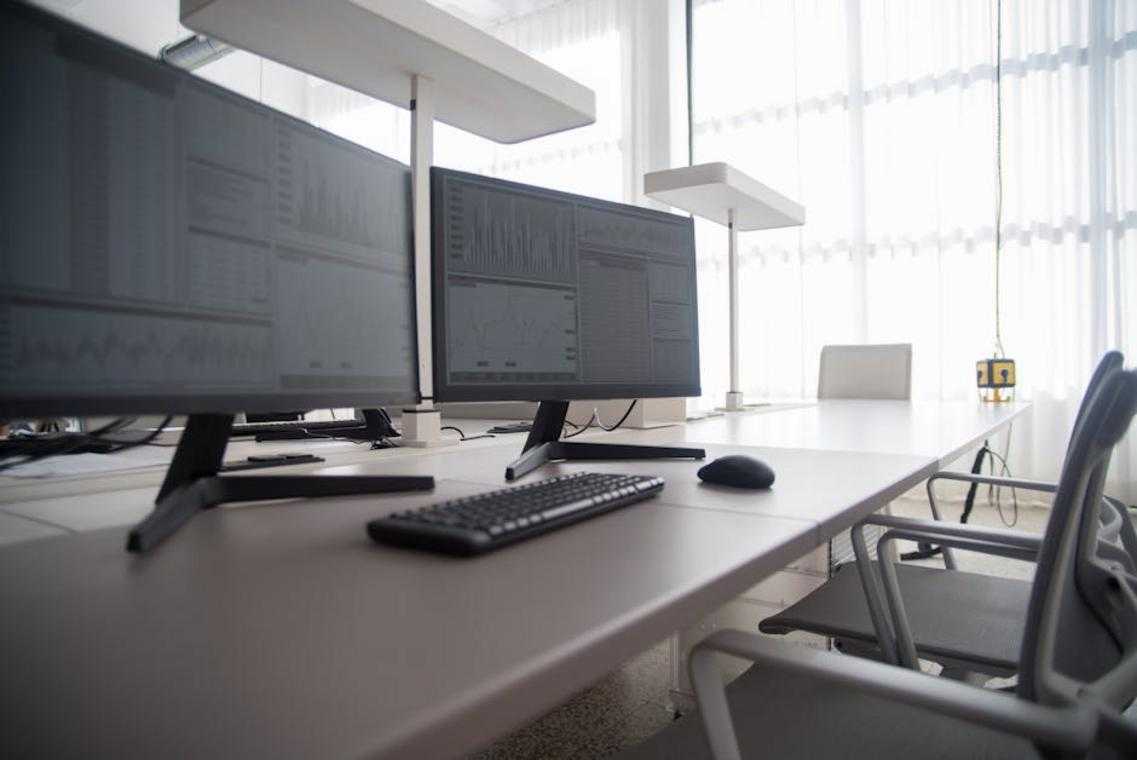
The Modern Standard (144Hz–165Hz)
First, let’s define refresh rate: it’s how many times per second your monitor updates the image. A 144Hz display refreshes 144 times per second—more visual updates mean smoother motion and lower perceived blur.
For most serious gamers, 144Hz–165Hz is the new baseline. Compared to 60Hz, the jump is immediate and dramatic—like switching from cable TV to 4K streaming overnight (and wondering how you ever tolerated less). Camera pans feel fluid, aiming feels responsive, and fast-paced AAA titles become more immersive. Some argue 60Hz is “good enough” for story-driven games. Technically, yes. But once you experience 144Hz, going back feels like gaming in slow motion.
The Competitive Edge (240Hz)
Now we enter esports territory. The visual leap from 144Hz to 240Hz is subtler, and critics often say it’s diminishing returns. They’re partially right—casual players may not notice a dramatic difference.
However, 240Hz reduces input lag (the delay between your action and what appears on screen) and improves motion clarity. In games like Valorant, CS:GO, or Apex Legends, that split-second matters. Studies on high refresh displays show measurable latency reductions as refresh rates increase (NVIDIA, Blur Busters). At this level, you’re optimizing for reaction windows measured in milliseconds—not vibes.
The Professional Tier (360Hz+)
360Hz+ is where hardware meets human limits. This tier is built for aspiring pros and hardcore competitors. But here’s what most guides miss: if your GPU and CPU can’t consistently push 360+ FPS, you’re not unlocking the benefit. Frame rate must match refresh rate.
Pro tip: prioritize CPU performance in tactical shooters—it often bottlenecks high FPS before your GPU does.
If you’re exploring data-driven performance gains, check out ai powered match analysis the future of esports strategy.
Quick-Select Guide
- 144Hz–165Hz: Immersive worlds, RPGs, action-adventure, casual multiplayer
- 240Hz: Tactical shooters, ranked competitive play
- 360Hz+: Esports grinders, tournament-level play
Use high refresh rate monitors for gaming if your system—and your ambition—can keep up.
Panel Types, Resolution, and Sync Tech: Completing the Picture
Choosing a gaming monitor isn’t just specs on a box—it’s understanding how panel behavior, resolution load, and sync tech interact in real gameplay.
Panel Technology (IPS vs. VA vs. TN)
Each panel type has trade-offs competitors often oversimplify:
- IPS (In-Plane Switching): Best color accuracy and wide viewing angles. Modern Fast IPS panels now rival TN in response times, making them a top choice for competitive and cinematic gaming.
- VA (Vertical Alignment): Superior contrast ratios (often 3000:1 or higher), producing deeper blacks—ideal for horror titles or dark RPGs.
- TN (Twisted Nematic): Historically the fastest response times, but weaker color reproduction and viewing angles.
Some argue TN is still the only “true” esports option. That was true a decade ago. Today, high-end IPS panels deliver 1ms GtG response times, shrinking TN’s advantage to near irrelevance for most players (yes, even in ranked matches).
The Resolution Trade-Off (1080p vs. 1440p vs. 4K)
Resolution and frame rate share an inverse relationship: higher pixel counts demand more GPU power.
- 1080p = highest frame rates
- 1440p = balanced sharpness and performance
- 4K = stunning clarity, heavier GPU load
The current sweet spot? 1440p at 144Hz or higher. It delivers crisp visuals while remaining achievable for modern GPUs. This is why many pros now use high refresh rate monitors for gaming at 1440p instead of sticking to 1080p.
The Importance of Adaptive Sync (G-Sync & FreeSync)
Adaptive Sync synchronizes your monitor’s refresh rate with your GPU’s frame output. The result: zero screen tearing and dramatically reduced stutter.
Some players claim high FPS alone is enough. It’s not. Without synchronization, mismatched frame timing creates visual artifacts. Adaptive Sync ensures every frame lands exactly when it should—smooth, stable, and competition-ready.
Your Next Upgrade: Making the Right Choice for Your Rig
A powerful GPU and CPU mean nothing if your monitor can’t keep up. A low refresh rate (how many times your screen updates per second) is the hidden bottleneck that makes gameplay feel sluggish, even on a beastly PC. In short, you’re leaving performance on the table.
Match your monitor to your hardware and the games you actually play. That’s the upgrade strategy that works.
- Balanced gamers: Go for a 1440p, 144Hz–165Hz IPS panel. You’ll get sharp visuals and smooth motion without overtaxing your system.
- Competitive FPS players: Choose 1080p or 1440p at 240Hz+. When reaction time is king, higher frames win fights.
Many argue resolution matters more than speed. For cinematic RPGs, maybe. But for responsiveness? Frame rate rules (ask any esports pro).
Pro tip: Always enable G-Sync or FreeSync in your GPU control panel to eliminate screen tearing and unlock the full power of high refresh rate monitors for gaming.
Level Up Your Gaming Performance Today
You came here to figure out how to gain a real competitive edge—and now you know exactly how much your setup, especially Bold on high refresh rate monitors for gaming, impacts your speed, clarity, and reaction time.
Lag, motion blur, and screen tearing aren’t just minor annoyances. They cost you ranked matches, clutch moments, and consistency. When every millisecond counts, your hardware can either hold you back or push you ahead of the competition.
Now that you understand how refresh rates, response times, and optimized settings directly affect performance, the next move is simple: upgrade strategically and fine-tune your setup for peak responsiveness.
Don’t let outdated gear cap your potential. Explore top-rated high refresh rate monitors trusted by competitive players, optimize your display settings, and experience smoother, sharper gameplay immediately. The right setup doesn’t just look better—it wins more games.
Take action today and transform your gaming experience into the competitive advantage you’ve been missing.